
 Hungarian (hu)
 English (en)
 German (de)
 Romanian (ro)
 Slovak (sk)
 Ukrainian (ua)
 Polish (pl)
 Netherlands (nl)
 Czech (cz)
 Bulgarian (bg)
 Indonesian (ie)
 French (fr)
 Spanish (es)
 Turkish (tr)
 Swedish (sv)
 Finnish (fi)
 Chinese (Simplified) (cn)
 Danish (dk)
 Estonian (et)
 Greek (el)
 Italian (it)
 Japanese (ja)
 Latvian (lv)
 Lithuanian (lt)
 Norwegian (Bokmål) (nb)
 Portuguese (pt)
 Russian (ru)
 Slovenian (sl)
 Korean (ko)
 Arabic (ar)
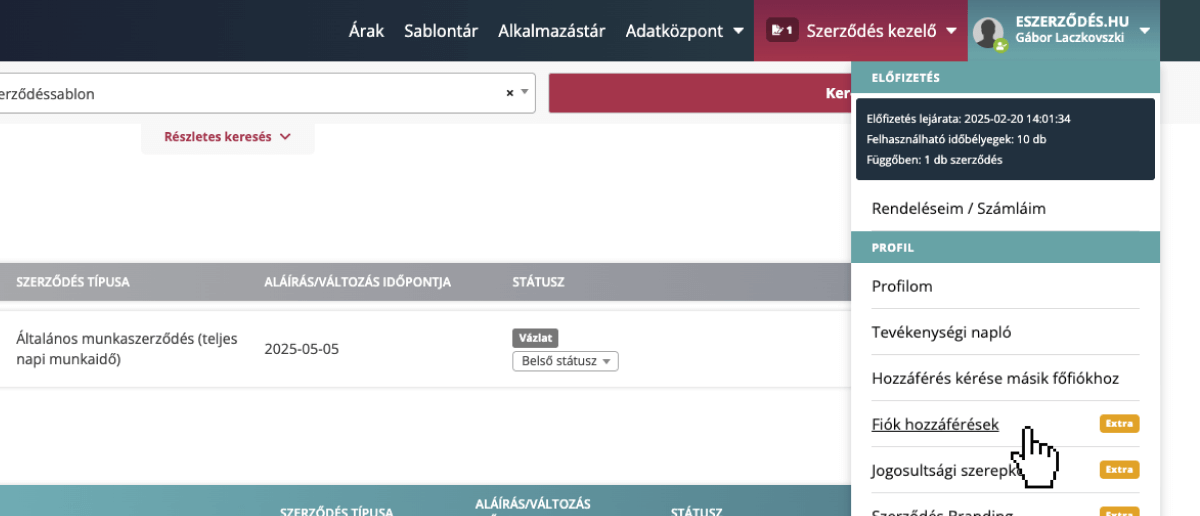
From the Profile menu, select “Account Access”. This page lets you assign and manage co-account permissions.
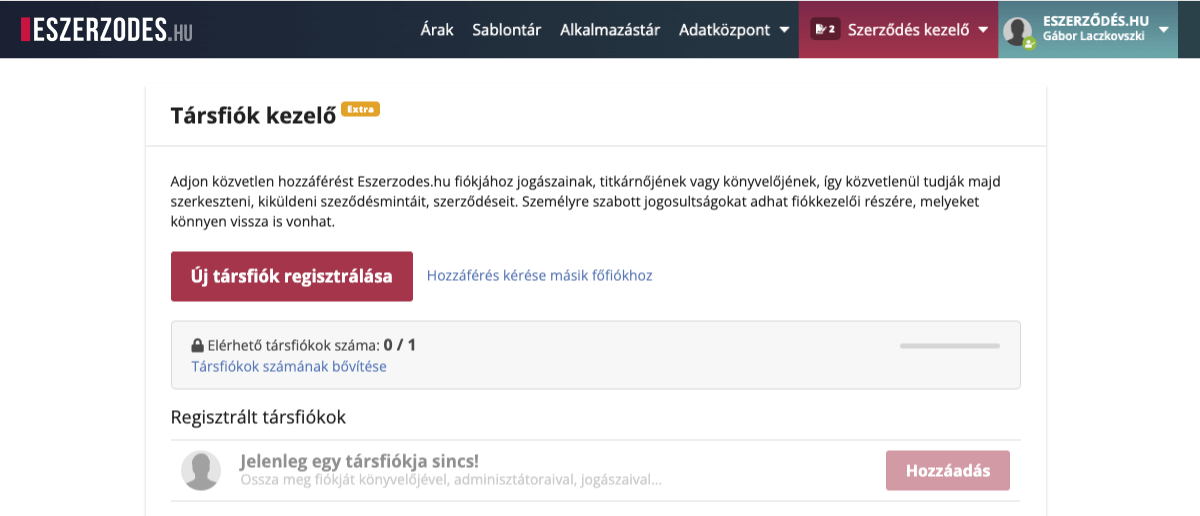
The co-account list is empty at first. Click “Register New Co-account” to grant your colleagues access to your account. You can also track the number of available and used co-accounts on this screen.
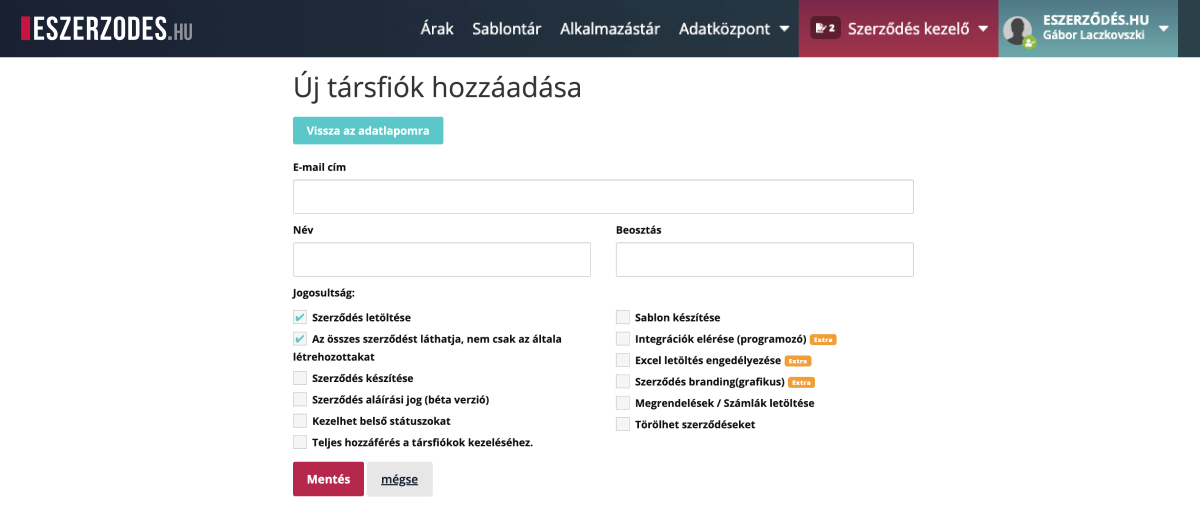
To assign permissions, enter the manager’s email address, name, position, and the permissions you want to grant, then click Save.
Download Contract:
Without this, no permissions can be assigned.
Allows the user to view and download contracts in PDF format.
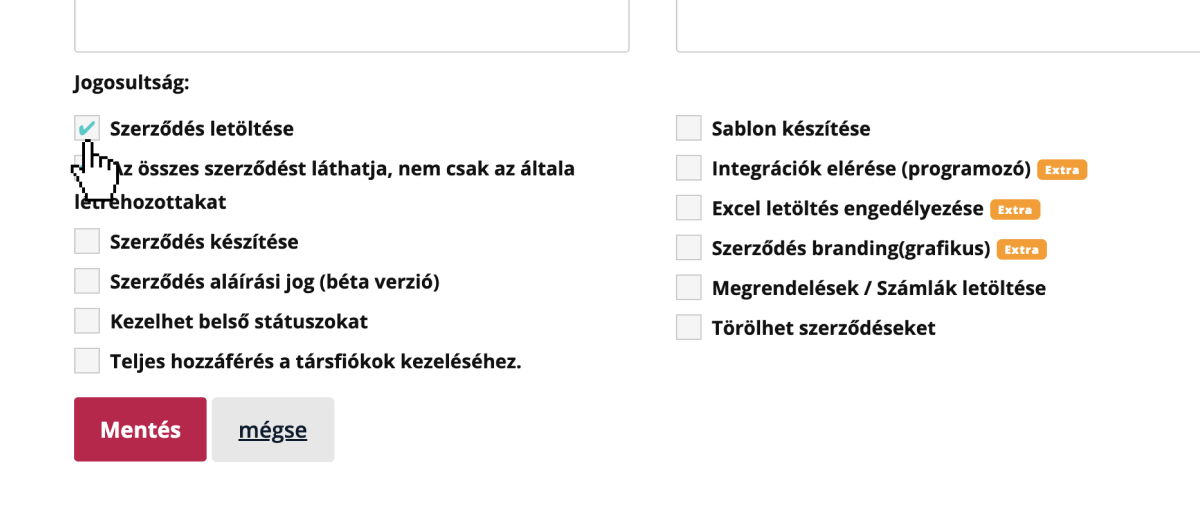
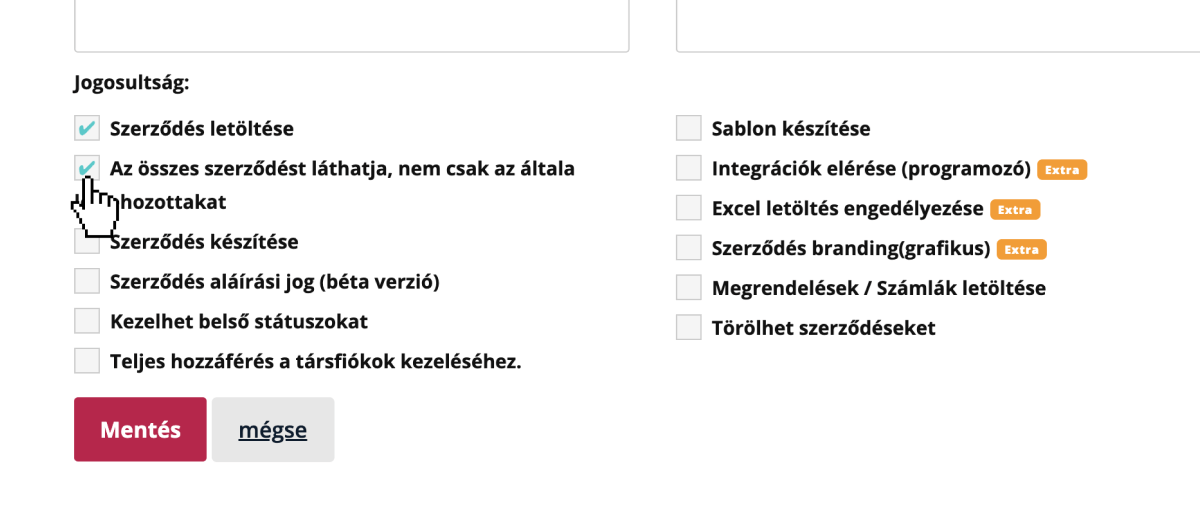
Can see all contracts, not only their own:
Grants access to view every contract stored in the system, regardless of who initiated or uploaded it.
If disabled, the co-account will only see the contracts they created.
Tip: This acts as a mini access manager. There is also an advanced permission manager in the system that supports role-based configuration.
Create Contracts:
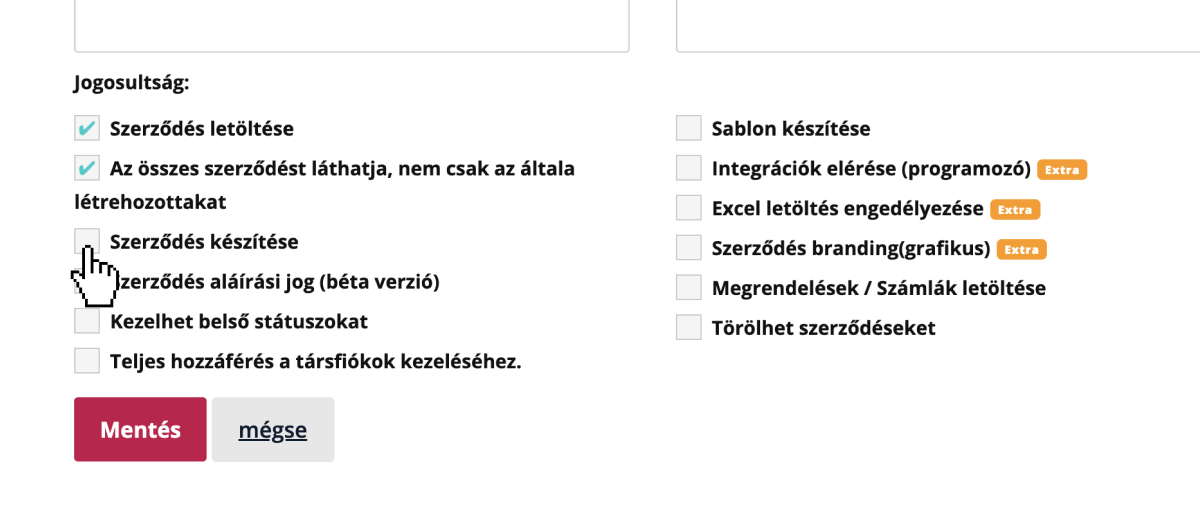
Allows creating new contracts from existing templates or PDF files.
This menu item won’t appear for co-accounts that don’t have this permission.
Signing Rights:
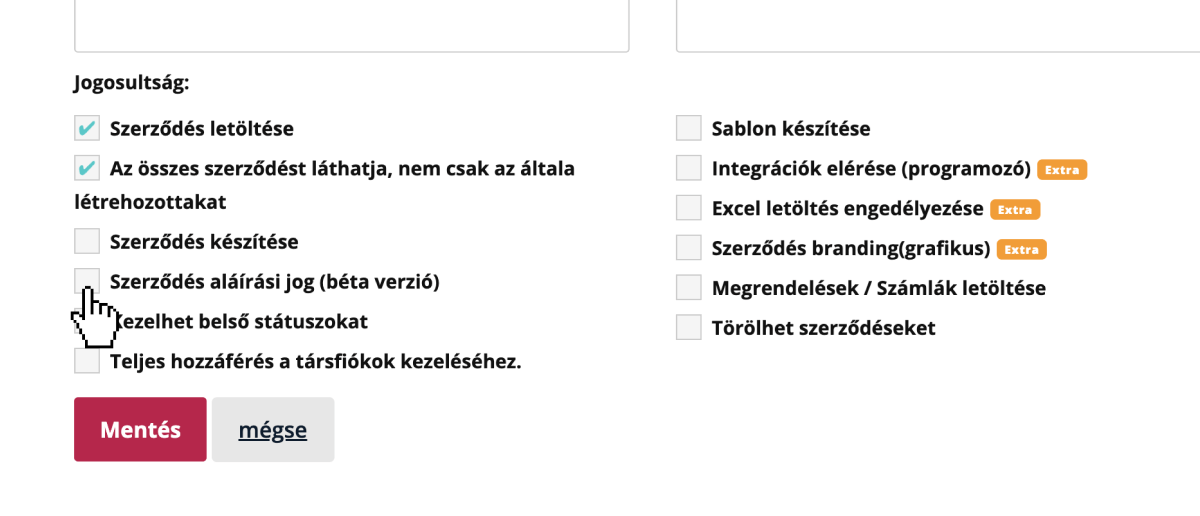
Authorizes the co-account to sign contracts within the account.
When creating a contract, you can select from authorized signers who will sign; as an authorized signer, the co-account can sign any displayed contract on behalf of the main account.
Manage Internal Statuses:
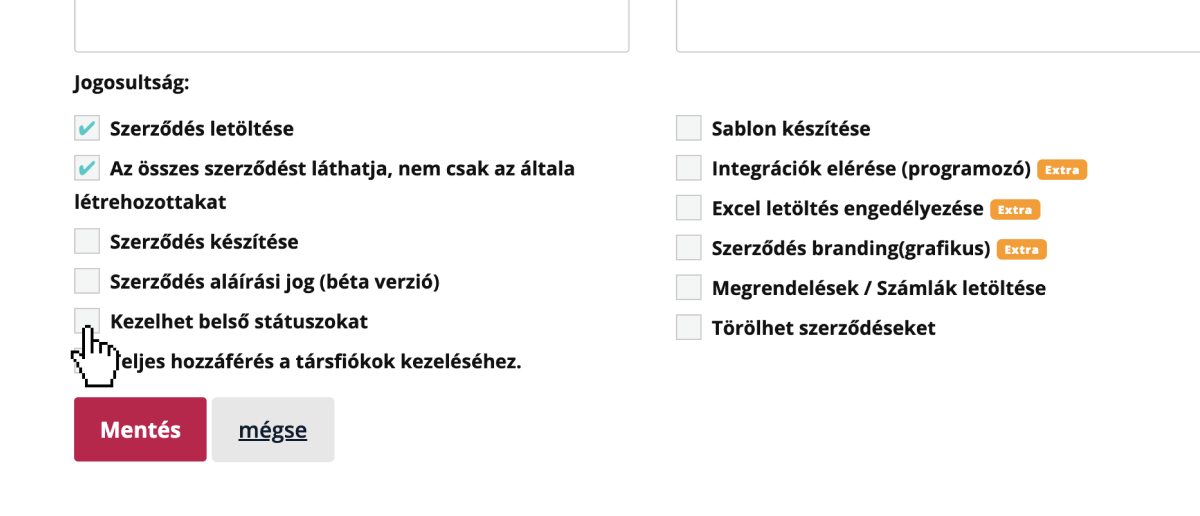
Lets the account manager create custom internal statuses that other co-accounts can use.
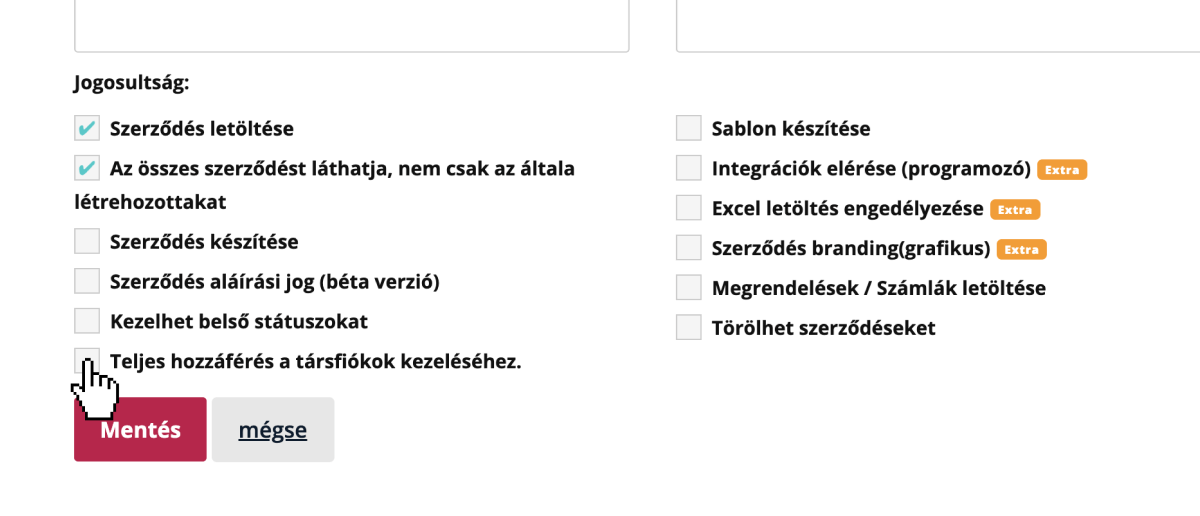
Full Access to Co-account Management:
With this permission, the co-account can also create, edit, and delete other co-accounts.
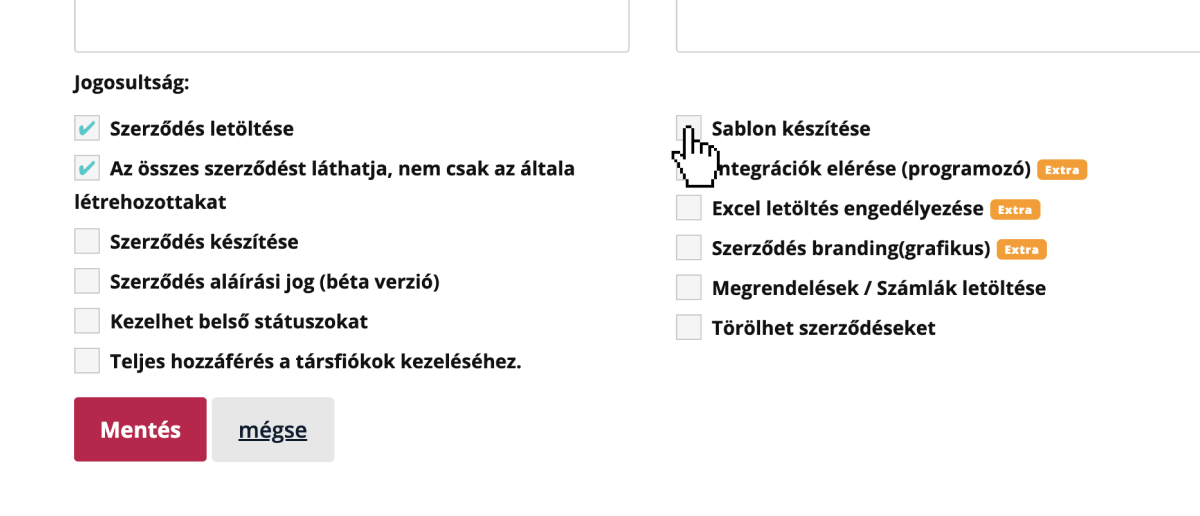
Create Templates:
Grants access to create new contract templates and edit existing ones to build and maintain tailored documents.
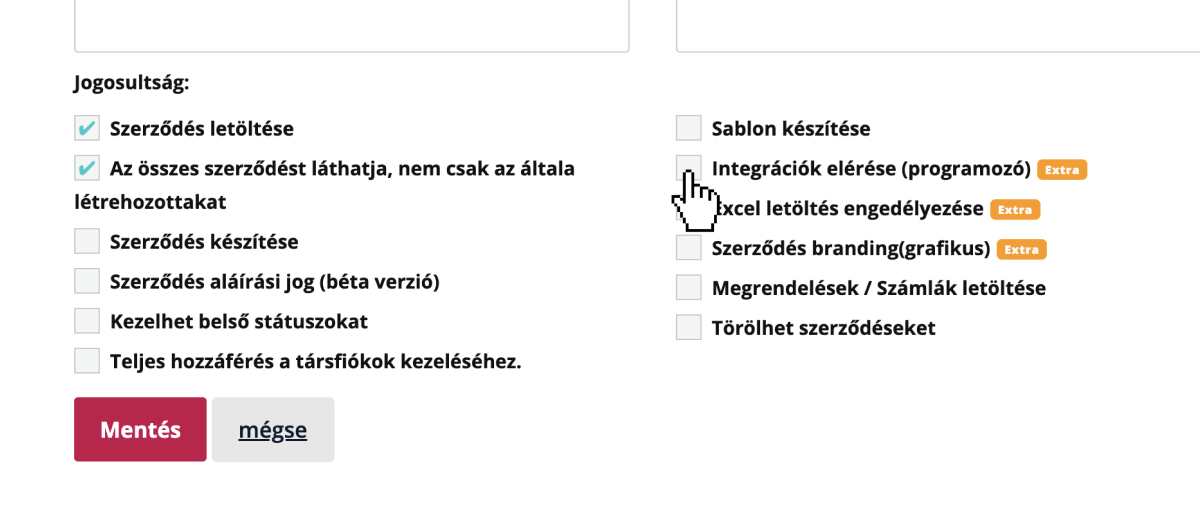
Access Integrations:
Designed for developers. With this permission, they can manage API keys, developer documentation, and settings — enabling them to connect the system with other software.
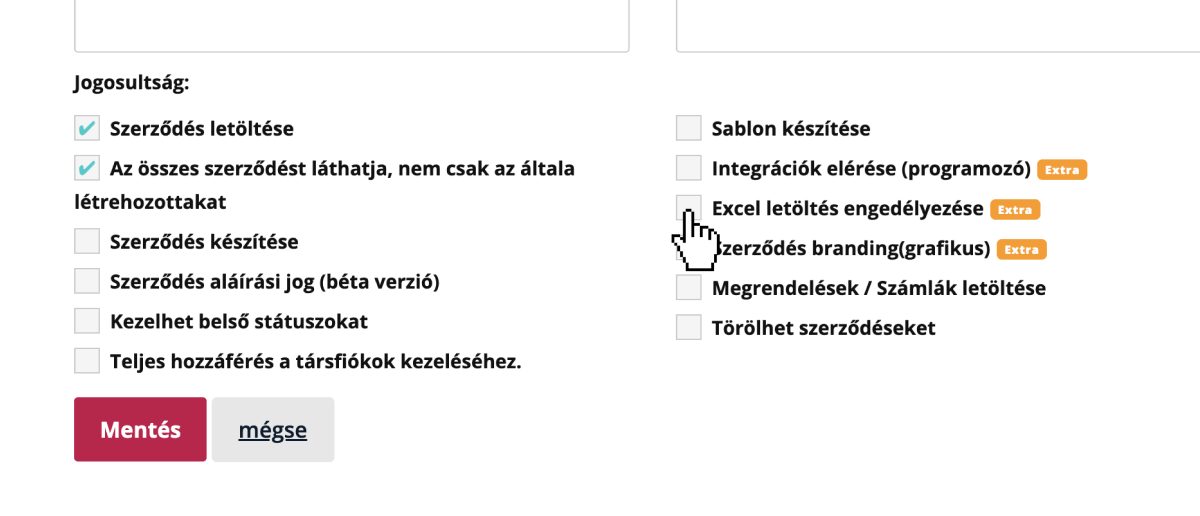
Allow Excel Download:
Enables the Excel export feature so the manager can generate spreadsheet reports from your partners and contracts.
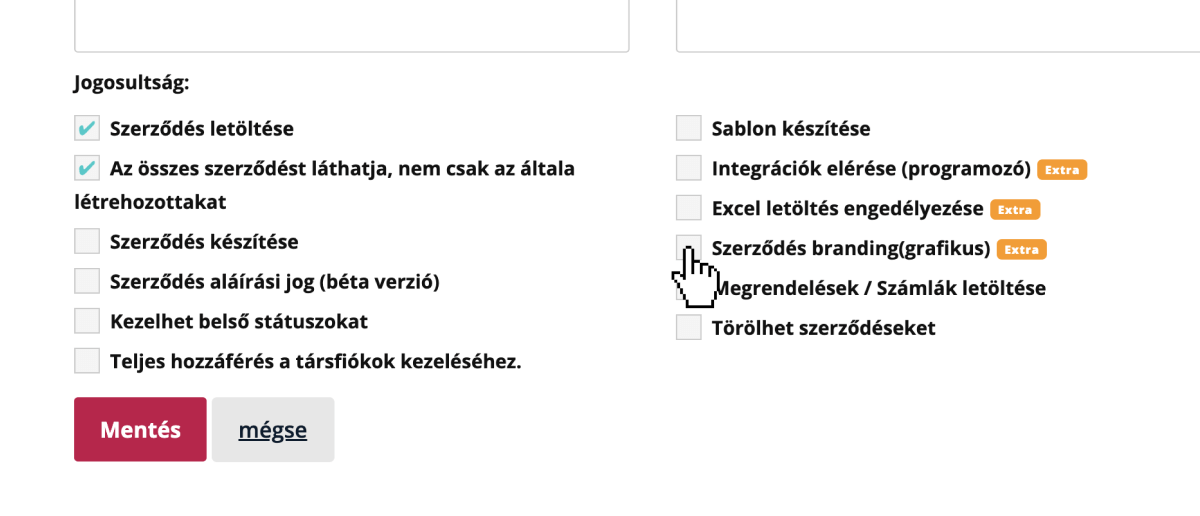
Contract Branding:
Built for designers and marketers. Customize the appearance of documents and emails (logos, colors) with your corporate branding.
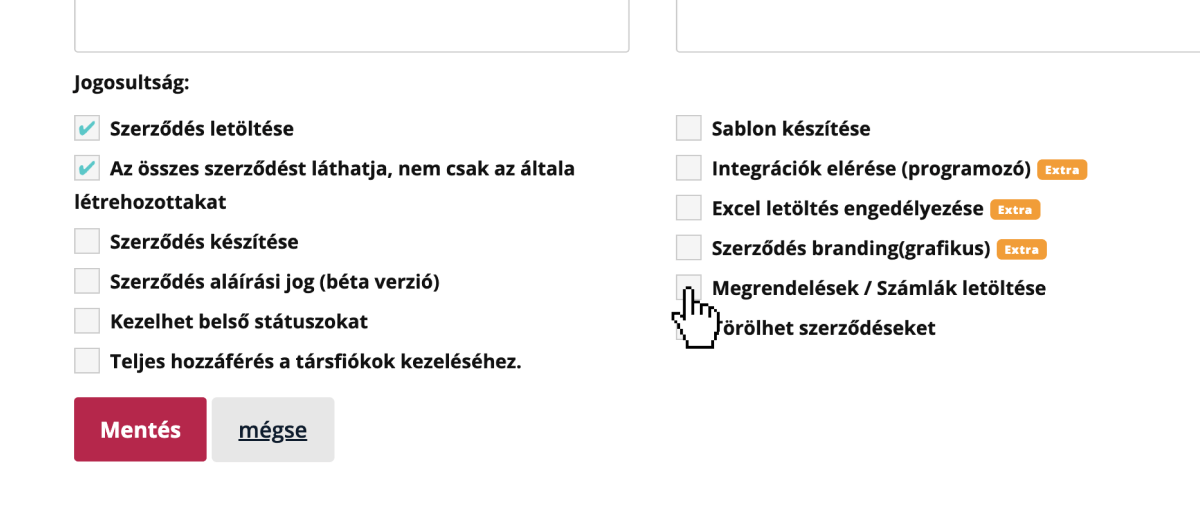
Download Orders / Invoices:
For finance staff. Grants access to download invoices generated in the system.
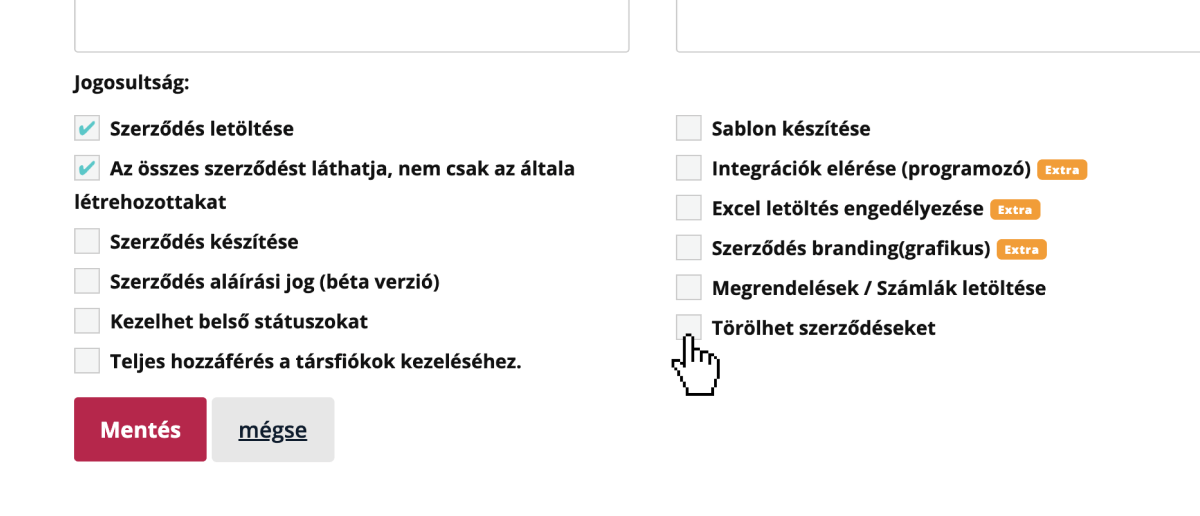
Can Delete Contracts:
Allows permanently deleting in-progress contracts, removing them irreversibly. To prevent misuse, we recommend regulating this permission.
