Hungarian (hu)
 English (en)
 German (de)
 Romanian (ro)
 Slovak (sk)
 Ukrainian (ua)
 Polish (pl)
 Netherlands (nl)
 Czech (cz)
 Bulgarian (bg)
 Indonesian (ie)
 French (fr)
 Spanish (es)
 Turkish (tr)
 Swedish (sv)
 Finnish (fi)
 Chinese (Simplified) (cn)
 Danish (dk)
 Estonian (et)
 Greek (el)
 Italian (it)
 Japanese (ja)
 Latvian (lv)
 Lithuanian (lt)
 Norwegian (Bokmål) (nb)
 Portuguese (pt)
 Russian (ru)
 Slovenian (sl)
 Korean (ko)
 Arabic (ar)
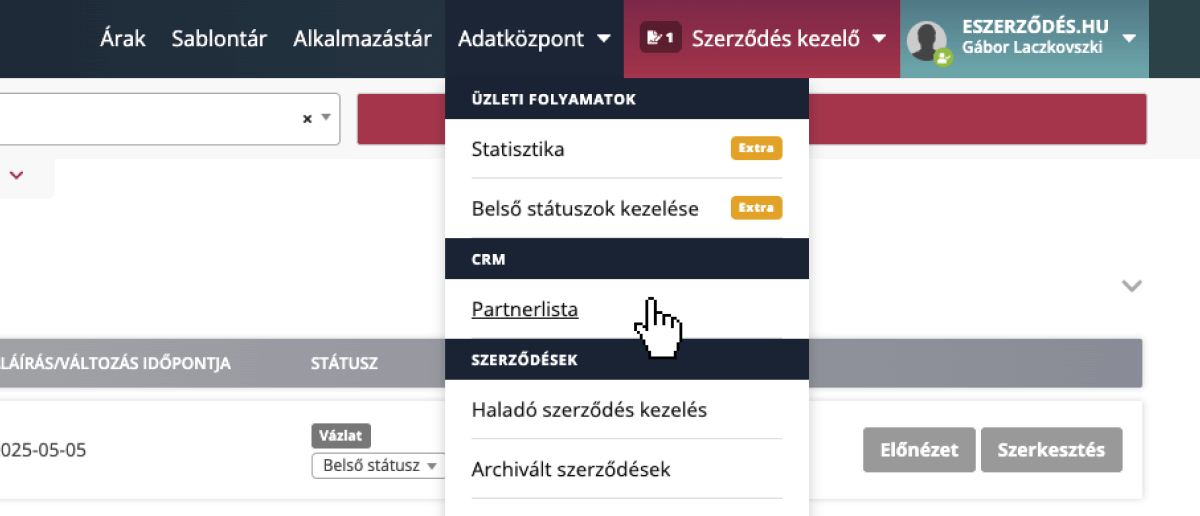
In the Data Center menu, under the CRM group, select “Partner List” to open the interface listing your contracted partners.
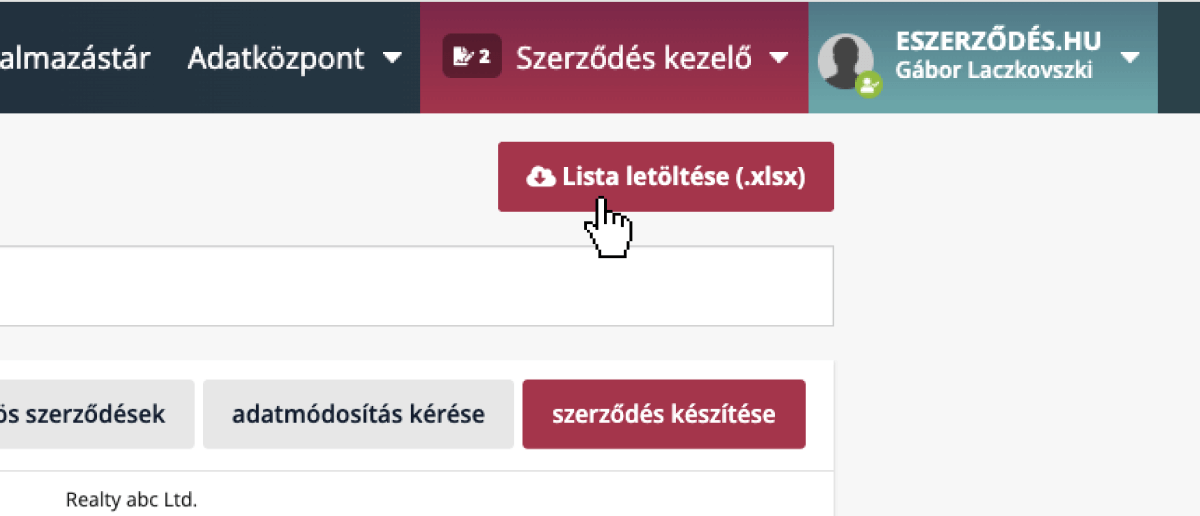
Click “Download List (.xlsx)” to export the current partner list to Excel in seconds. This lets you move data easily, prepare detailed reports, and build custom statistics to suit your needs.
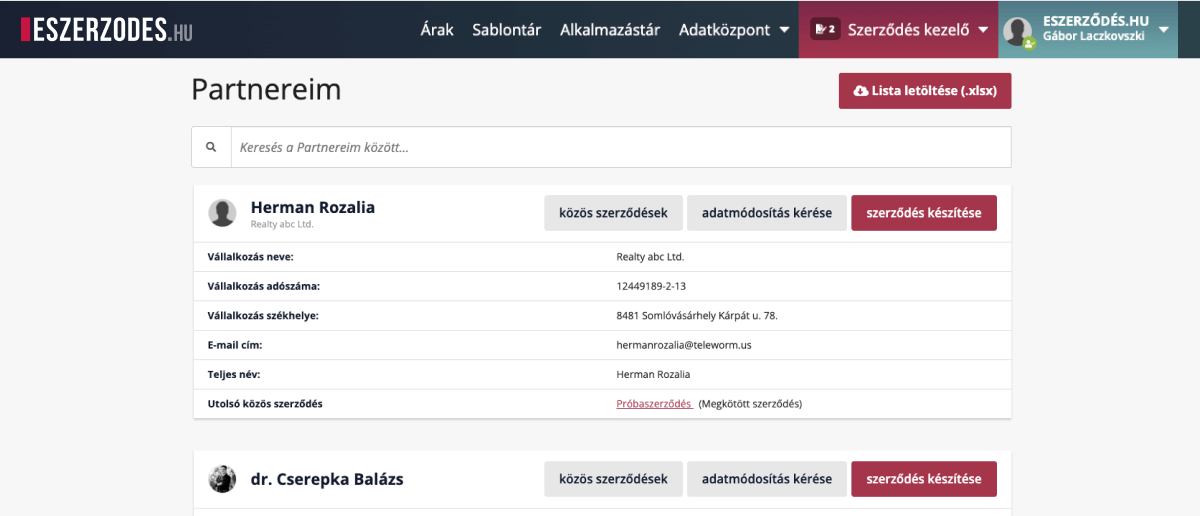
Use the search field to filter by company, name, or any partner detail for quick lookup.
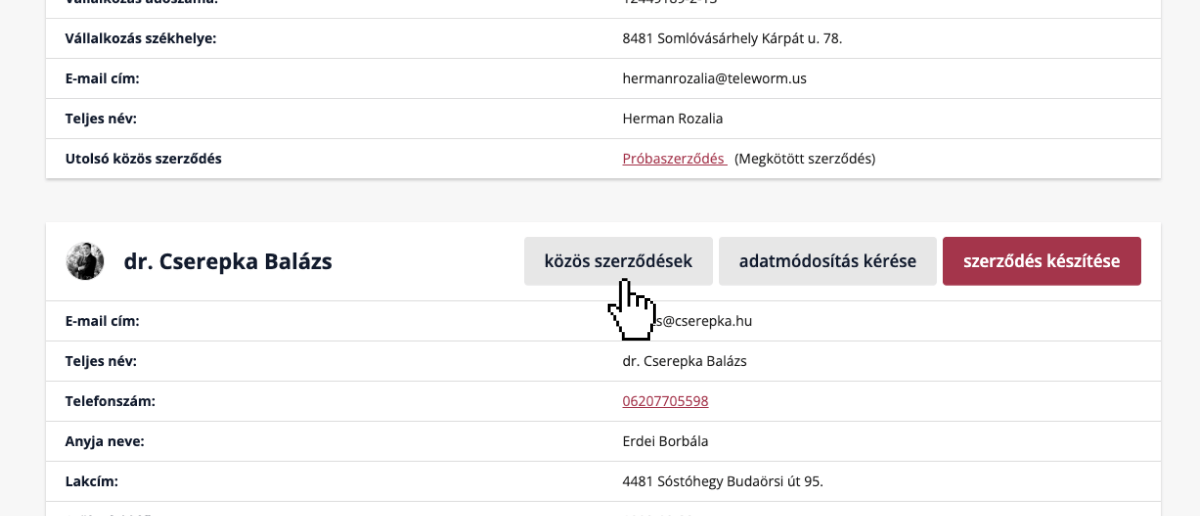
Click “Mutual Contracts” to browse contracts already signed or currently in progress with a selected partner.
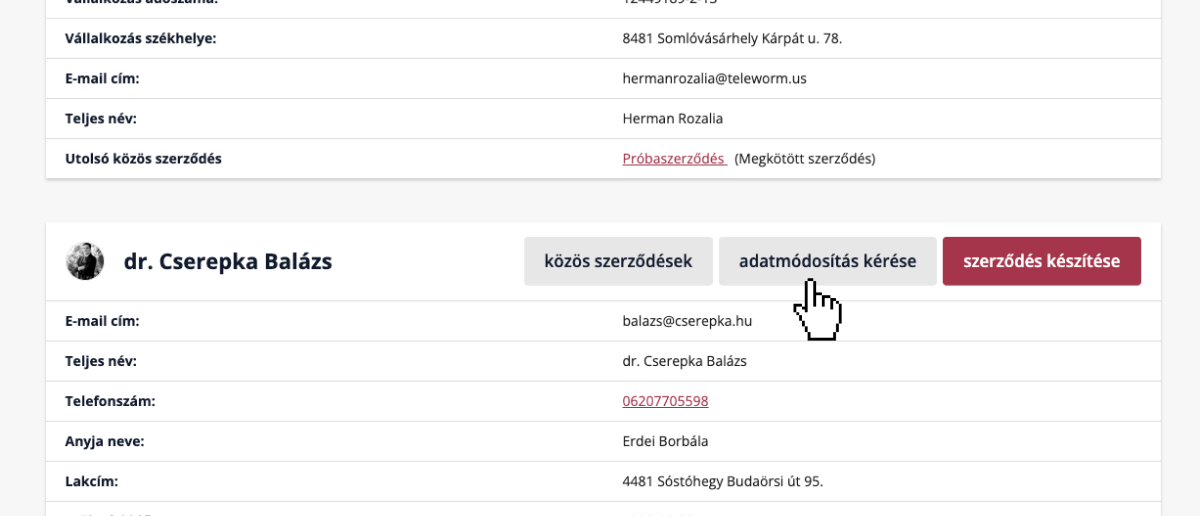
Use “Request Data Update” to send proposed updates to your partner, which they can approve with a single click. Even users less familiar with digital tools can easily keep their data current.
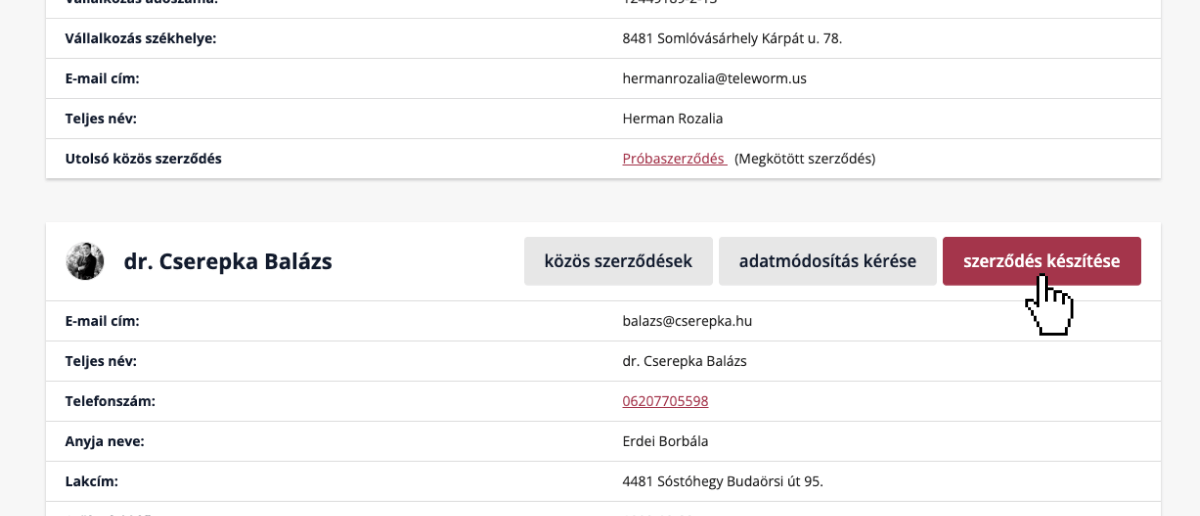
Click “Create Contract” to quickly start a new contract with the selected partner.