
 Hungarian (hu)
 English (en)
 German (de)
 Romanian (ro)
 Slovak (sk)
 Ukrainian (ua)
 Polish (pl)
 Netherlands (nl)
 Czech (cz)
 Bulgarian (bg)
 Indonesian (ie)
 French (fr)
 Spanish (es)
 Turkish (tr)
 Swedish (sv)
 Finnish (fi)
 Chinese (Simplified) (cn)
 Danish (dk)
 Estonian (et)
 Greek (el)
 Italian (it)
 Japanese (ja)
 Latvian (lv)
 Lithuanian (lt)
 Norwegian (Bokmål) (nb)
 Portuguese (pt)
 Russian (ru)
 Slovenian (sl)
 Korean (ko)
 Arabic (ar)
Basic Knowledge
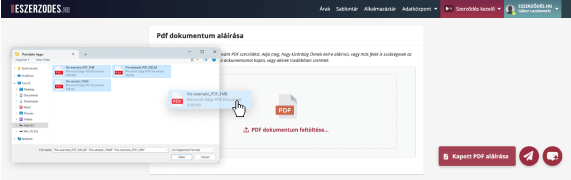
Send a PDF Contract
Upload your own document and send it for signing — this is the easiest way to start using the system right away.
View Tutorial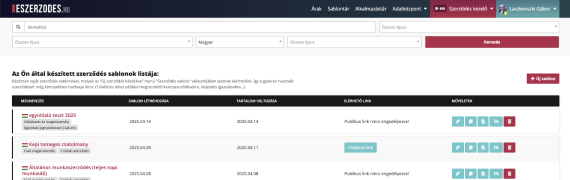
Creating Templates
Create contract templates with variable fields and quickly generate customized contracts from them.
View Tutorial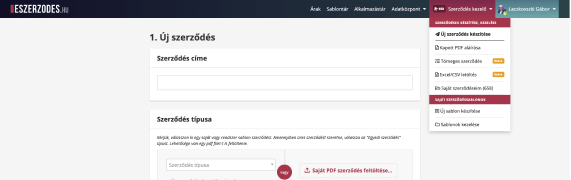
Creating a Contract from Template
Easily and accurately create new custom contracts from templates without using any external programs.
View Tutorial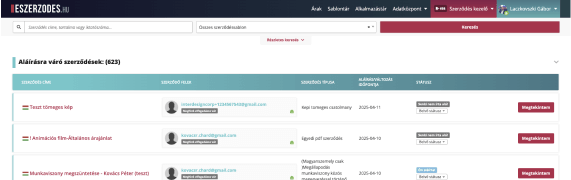
Using the Central Document Archive
Securely store all your contracts in one place and find them instantly using the intelligent search function.
View Tutorial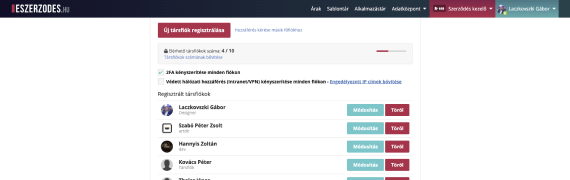
Co-account Management & Collaboration
Easily grant access to your lawyers, assistants, or accountants so they can directly edit and send templates and documents.
View Tutorial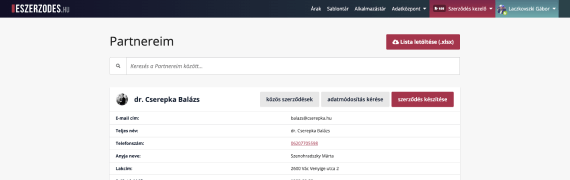
Partner Registry
The system automatically records partners appearing in your contracts, so you can quickly look up who signed what and when.
View TutorialAdvanced Usage
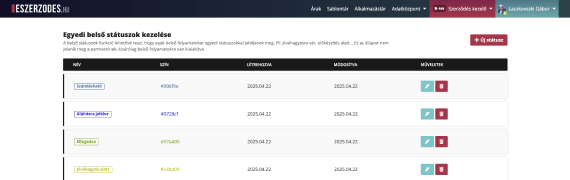
Manage Custom Internal Statuses
Tag your internal processes with customizable statuses. Partners won’t see these states, so you can safely tailor workflows to your own operations.
View Tutorial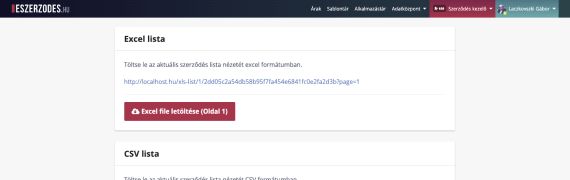
Document Registry
Up-to-date records in Excel or CSV format. The list includes all key data so you can easily process the information you need.
View Tutorial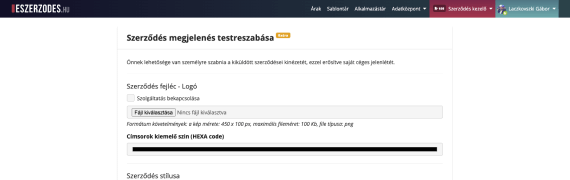
Contract Branding – Custom Look for Your Identity
Personalize the appearance of your contracts with your own logo, colors, and brand elements. Strengthen your brand identity even during administrative workflows.
View Tutorial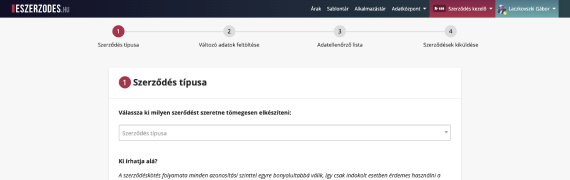
Bulk Contract Generation from an Excel List
Automatically fill and send a large number of documents in minutes. Ideal for campaign-style, recurring, or high-volume administrative tasks.
View Tutorial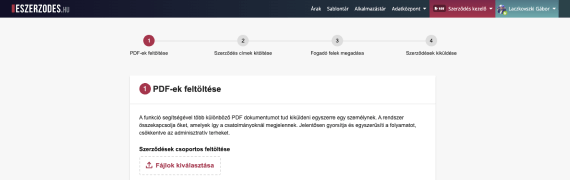
Send Multiple PDFs to the Same Signers
Send several different PDF documents to the same recipients in a single step. The system automatically links the documents together.
View Tutorial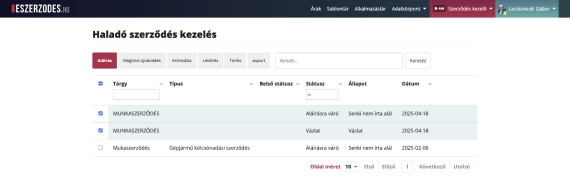
Advanced Contract Management – Bulk Actions
Select multiple documents and perform bulk actions such as signing, deleting, status changes, or downloading.
View Tutorial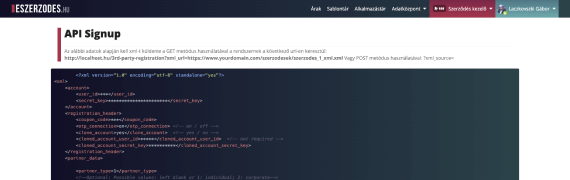
Integrations – Fully Automated Contract Workflow
Connect WiredSign to your own systems and automate every step of the contracting process—from data entry to signing—freeing up your team’s valuable time.
View Tutorial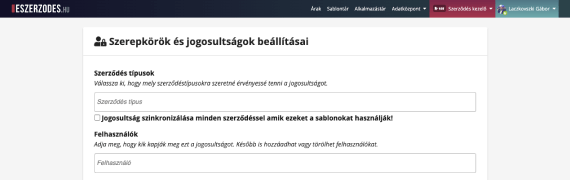
Advanced Permission Management
Configure precise access levels within your team: control who can access which documents, features, or editing capabilities.
View Tutorial